Ten questions to ask before investing in contract drafting and review software
Contract drafting and review software is often legal’s first real step into AI-powered workflows. Most tools promise faster drafting, smarter review, and AI that takes work off your plate. Yet many law firms and legal teams invest in technology only to find it gathering dust a few months later.
The problem usually isn’t the idea of drafting software. It’s how the tool fits or doesn’t fit into real legal work.
Tools fail when they ask lawyers to change how they work instead of supporting them. They push lawyers out of Microsoft Word and into separate editors where formatting breaks, tracked changes feel different, and documents don’t look right when sent to counterparties. What starts as a small annoyance quickly becomes a reason to avoid the tool altogether, especially when deadlines are tight.
Contract standards and playbooks tend to live in PDFs, shared drives, or old intranet pages that no one checks when it matters. AI features promise to help with drafting but often focus on generating text rather than spotting missing terms, inconsistent language, or deviations from approved positions.
The result is more work, not less. Adoption slows. Lawyers fall back on familiar manual processes. And the software quietly becomes shelfware. The difference between tools that stick and tools that fail comes down to asking the right questions before buying.
Here are ten practical questions to ask when evaluating contract drafting and reviewing software.
1. Does it work natively in Microsoft Word?
Most legal drafting, review, and negotiation happens in Microsoft Word. It’s where tracked changes live, where counterparties make edits, and where contracts get finalized. Word isn’t just a preference – it’s the default working environment for lawyers, their clients, and stakeholders.
Drafting tools that rely on separate editors or Word-like interfaces often introduce friction rather than removing it. Formatting can break when documents move back into Word; tracked changes don’t always behave as expected, and lawyers end up duplicating work across systems. These frustrations add up quickly under time pressure.
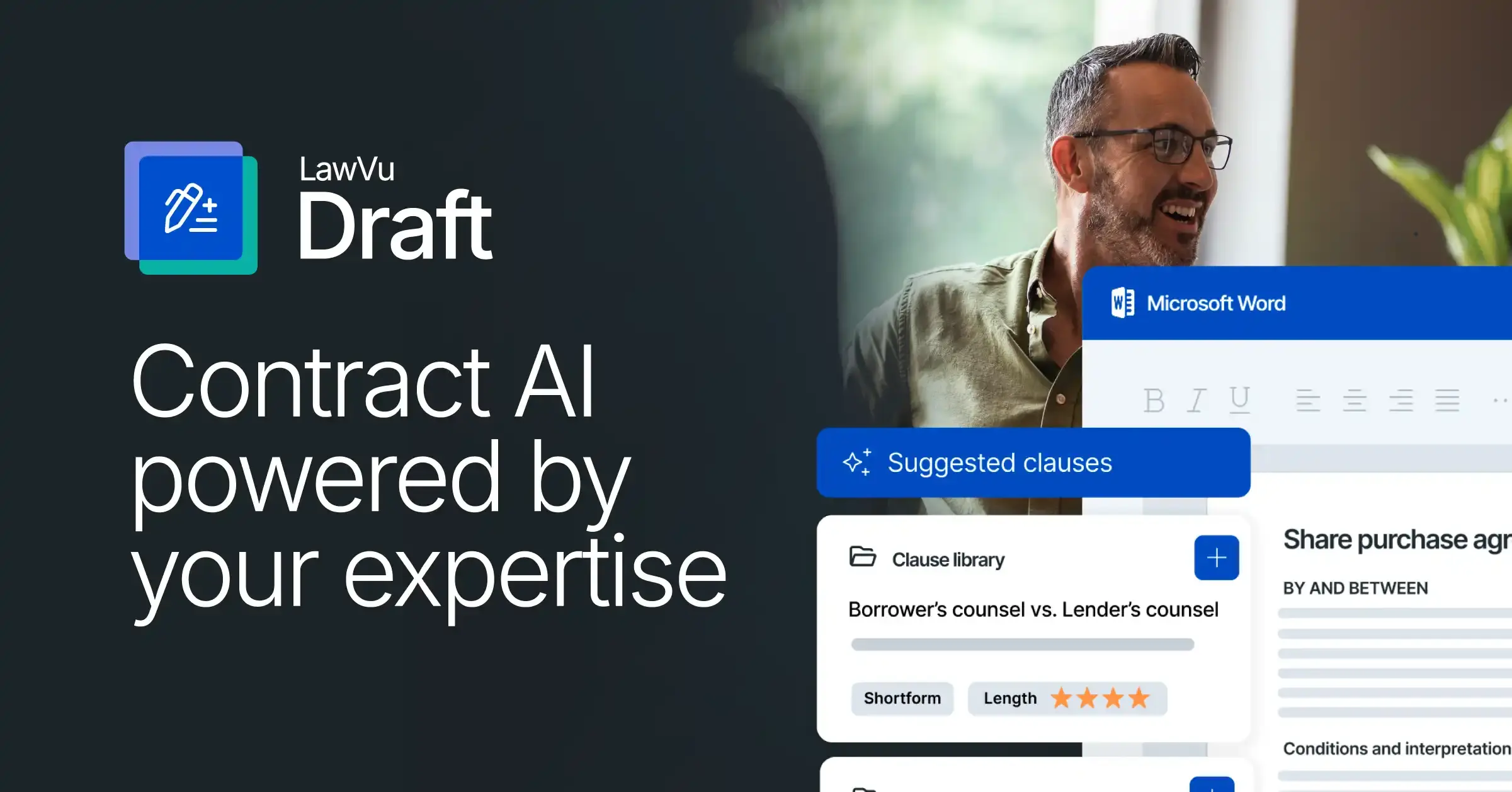
Native Word integration means the tool works within Microsoft Word rather than alongside it. Lawyers shouldn’t have to leave Word to access templates, clauses, or review insights. If a tool requires lawyers to leave Word to do their core work, that’s a strong signal that adoption and long-term value will be harder to achieve.
2. Is it powered by your expertise or someone else?
Generic AI can produce plausible-sounding contract language. But plausible isn’t the same as right – right for your client, your risk profile, your preferred positions. The most valuable tools combine AI with your institutional knowledge: your clause library, review playbooks, approved templates, and precedents.
Ask vendors how the tool is trained and what it draws on when making suggestions. A tool that surfaces your own proven language and negotiated positions is fundamentally more useful and more accurate than one generating output from generic training data.
Equally important: your contracts should stay private.
The AI should draw on your knowledge base to inform suggestions for your firm or legal team only, without feeding your data into a shared model used to train outputs for other customers. The AI should be a multiplier for the expertise you’ve already built, not a replacement for it.
3. How does it enforce legal standards and playbooks?
Most legal teams and firms already have well-defined standards: approved clauses, fallback positions, and clear negotiation guidance. The real challenge isn’t creating those standards – it’s ensuring they’re applied consistently across every contract.
Effective drafting software embeds standards into drafting and review workflows. Approved language is surfaced from clause libraries as needed. Playbooks actively guide lawyers toward the right clause selections. Automated checks flag deviations from policy before they become issues.
Without this, legal standards are scattered across separate documents that lawyers must remember to consult. With it, those standards become an integrated part of how contracts are drafted and reviewed, improving consistency without adding extra steps.
Ask vendors specifically:
- How to build playbooks
- How they’re applied during review
- How easy it is to update them as standards evolve
4. Can it automatically surface risk and missing terms?
There’s a meaningful difference between AI that writes text and AI that reduces risk.
Drafting tools should help answer questions like:
- Are required clauses missing?
- Do definitions conflict or go unused?
- Has approved language been changed in a risky way?
- Are there inconsistencies across the main agreement and its annexes?
- Are there unresolved placeholders, incorrect dates, or invalid cross-references?
AI that catches both substantive errors, conflicts with policy or client instructions, unbalanced provisions, grammar, and formalistic errors – such as undefined capitalized terms, leftover comments, and incorrect notation – lets lawyers focus on judgment calls instead of manual checks and wrestling with formatting.
That’s where real value shows up, not in generic clause generation alone.
5. Does it turn past contracts into reusable knowledge?
Past contracts are one of the most valuable assets lawyers have. The most effective tools turn executed agreements into a searchable knowledge base, so lawyers can instantly find and extract clauses from historical documents without jumping between inboxes, document management systems, or shared drives.
Without a shared knowledge base, legal knowledge lives in individuals’ heads and email inboxes. When a senior lawyer leaves, that knowledge walks out the door. When a junior lawyer drafts a contract, they may not know what the team’s preferred position is on a given clause.
A well-built knowledge base solves both problems. Meaning the AI draws on your collective expertise privately, without your contracts being used to train outputs for other customers.
Static templates tend to become less relevant over time. AI-powered systems that apply your team’s existing contracts and negotiation history to new deals become more valuable progressively, reinforcing consistency while reflecting your real-world positions – not a generic average derived from shared data.
6. How much time does it save?
Marketing claims are easy. Measurable impacts are harder. Instead of asking how fast a tool is, ask where in the workflow it saves time:
- Does it shorten review cycles?
- Does it reduce back-and-forth on standard terms?
- Does it help turn contracts around sooner?
- Does it cut time spent on formalistic checks – numbering, definitions, cross-references?
The best drafting tools save time from first draft, review, and negotiation to approval and signing.
Ask vendors for concrete examples from customers similar to you – up to 3x faster negotiations and up to 5x faster reviews are the kinds of gains worth asking about specifically.
7. Will it reduce manual checks and rework?
A surprising amount of legal time is spent on tasks that don’t require legal judgment: checking defined terms, fixing numbering and formatting, ensuring clauses are consistent throughout a document. Good drafting and review software automates these repetitive tasks.
By handling the mechanics of contract hygiene in the background – auto-scanning for missing or unused definitions, unresolved placeholders, invalid cross-references, and incorrect dates – it reduces errors, speeds up reviews, and frees lawyers to focus on higher-value work.
In practice, this kind of automation often delivers as much value as AI-generated content, with far less risk.
8. Does it support self-service without losing control?
For many legal teams, a significant portion of contract volume consists of routine agreements that don’t require a lawyer to draft from scratch each time. Guided questionnaires allow clients or colleagues to create simple agreements that meet your standards – with legal setting the guardrails and the business filling in the details.
This kind of self-service reduces workload on routine agreements while maintaining quality and consistency. The key question is whether the tool lets you set meaningful guardrails: approved language, required clauses, and mandatory fields.
Self-service without control creates risk. Self-service with control creates capacity.
Try LawVu Draft for free
9. How well does it support collaboration and negotiation?
Contracts are collaborative by nature. Effective tools provide clear version control, allow clauses to be compared easily, and support tracked changes and comments so multiple stakeholders can contribute without confusion. They streamline approvals and signatures, ensuring everyone knows which version is current and approved.
Ideally, this collaboration happens within a single system – without the need to export documents, email copies back and forth, or switch tools for mid–negotiation. The ability to compare clauses and alternative language across documents, evaluate options, and insert the best language directly into your agreement is particularly valuable during negotiation rounds.
The more seamless the collaborative experience, the more likely the tool is to be used consistently.
10. How quickly can lawyers adopt it and see value?
This may be the most important question of all.
A tool can be powerful on paper and still fail if it requires heavy change management, if the interface feels unfamiliar, or if lawyers don’t see immediate benefit.
Fast time-to-value, intuitive design, and minimal disruption to existing workflows are often better predictors of ROI than feature lists. Tools that fit into how lawyers already work, inside Word, drawing on familiar processes, are far more likely to be adopted and to deliver genuine value.
If lawyers find the tool quick to learn and easy to use, adoption follows naturally.
Choosing drafting software that sticks
The best contract drafting and review software doesn’t force lawyers to work differently. It fits into how they already draft and negotiate, draws on past work and best practice, and uses AI to enforce standards automatically without slowing anyone down.
By asking these ten questions upfront, legal teams and law firms can avoid shelfware and invest in technology that delivers quick, lasting value. In a market full of promises, the right questions make all the difference.