Buyer’s guide to contract drafting and review software

There’s no shortage of AI contract tools on the market. Most of them promise speed. But speed alone doesn’t determine whether a tool will work for your legal team or law firm – or whether your lawyers will use it at all.
The best contract drafting and review software balances speed, consistency, risk management, and ease of adoption. It supports lawyers in how they already work, rather than forcing new habits or pulling them into yet another platform.
This guide explains what to look for, how to compare vendors, and how to run an evaluation that leads to a decision you can stand behind.
What makes a contract drafting tool worth buying?
Most legal drafting and review happens in Microsoft Word. Lawyers write from scratch or adapt templates, redline clause by clause, and rely on experience and memory to catch issues. It works, but it’s slow, prone to error, and it doesn’t scale.
AI contract tools change this by automating the repetitive, time-intensive parts: generating first drafts from templates, comparing clauses against a library, surfacing risks, and suggesting preferred language instantly. The best tools do this without pulling lawyers out of Word and without replacing the expertise that makes legal work valuable in the first place.
The key distinction – and the one most vendor demos gloss over – is whether the AI is powered by your expertise or by someone else’s. Generic AI can produce plausible-sounding contract language.
But plausible isn’t the same as right: right for your client, right for your organization, your risk profile, your preferred positions.
The most valuable tools combine AI with your institutional knowledge: your clause library, playbooks, approved templates, and precedents. And critically, your data should remain exclusively yours – the AI should work from your knowledge base, not feed your contracts into a shared model used to train other customers.
Key features to look for
Native Microsoft Word integration
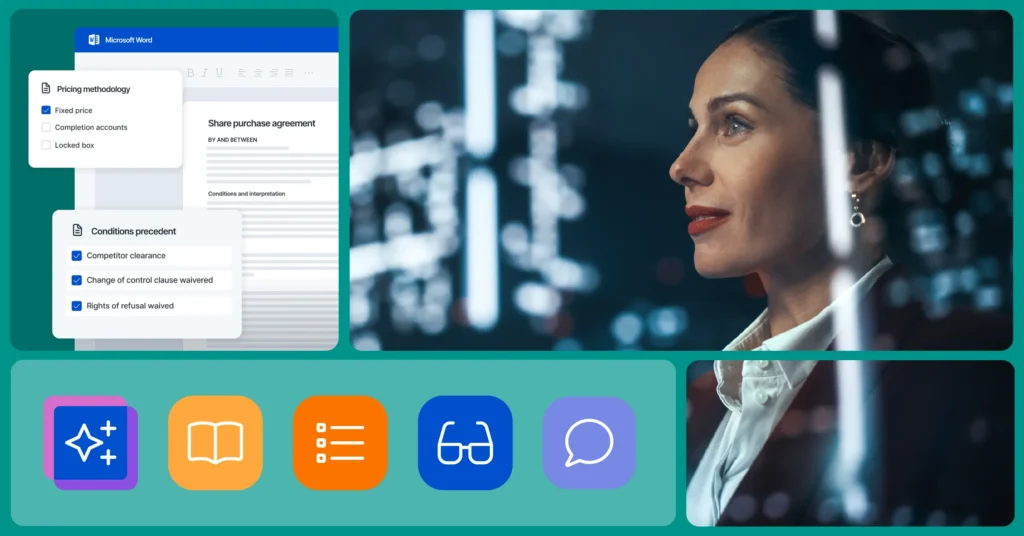
Any serious contract-drafting solution should work directly in Microsoft Word, not through a separate or Word-like editor. Native integration reduces friction, shortens learning curves, and increases adoption. Lawyers shouldn’t have to leave Word to access templates, clauses, or review insights. Working entirely inside Word – where legal teams actually do their work – is the standard to hold vendors to.
Smart templates and clause libraries
Strong drafting software helps legal teams build and maintain reusable templates and approved clause libraries that reflect their preferred way of contracting. That means capturing proven drafting standards, client or organizational positions, and approved language, so every lawyer on the team can generate high-quality drafts faster with less reliance on outdated language copied from old files.
The best tools go further than storage. They deliver context-aware clause suggestions against third-party documents pulled from your clause library, and turn precedents into smart templates with dynamic placeholders, conditional logic, and rich formatting.
Playbooks and standards enforcement
The best solutions allow lawyers to review contracts against established preferred positions and risk appetite. Crucially, they let you leverage that knowledge – standard and fallback clauses – within the redlining process. This means automatically flagging and rewriting non-compliant clauses, rather than relying on a lawyer to catch every deviation manually.
Building playbooks should be straightforward, applying them should be automatic, and updating them as standards evolve should require no technical overhead.
AI-powered risk detection
Powerful AI review tools should work like a tireless second pair of eyes. That means catching both substantive errors – conflicts with policy or client instructions, inconsistencies across main agreements and annexes, unbalanced provisions – and formalistic errors such as undefined capitalized terms, leftover placeholders and comments, and incorrect number or date notation.
The goal is to surface risks and inconsistencies automatically, so lawyers can quickly identify issues and focus attention where it matters most, rather than reading every line for problems that a tool could catch in seconds.
Knowledge reuse and precedent access
Past contracts are one of the most valuable assets lawyers have. The best tools turn executed agreements into a searchable knowledge base, so they can instantly find and extract clauses from historical documents without jumping between inboxes, document management systems, or shared drives.
Without this, legal knowledge lives in individuals’ heads and email inboxes. When a senior lawyer leaves, that knowledge walks out the door. When a junior lawyer drafts a contract, they may not know what the preferred position is on a given clause. A shared knowledge base solves both problems, and it means the AI draws on your collective expertise – privately. So, your contracts are not in a shared model used to train outputs for other customers.
Collaboration and negotiation support
Drafting doesn’t happen in isolation. Look for tools that support tracked changes, clause comparison, version control, approvals, and smooth handoff to signature, all without switching systems. The ability to compare clauses and alternative language across documents – evaluating options and inserting the best language into your agreement – is particularly valuable during negotiation.
Document comparison
A strong comparison feature lets you compare any two documents. Word files or scanned PDFs side by side, see every change clearly, and export or insert updates directly in Word. The best tools also support bulk comparisons across multiple documents, so you can review variations in a single integrated view.
Self-service contract creation
The ability to enable non-lawyers to generate simple agreements without involving legal on every deal is a meaningful efficiency gain. Guided questionnaires allow clients or colleagues to create agreements that meet your standards, with legal setting the guardrails and the business filling in the details. This frees lawyers to focus on higher-value work without sacrificing quality or consistency.
Platform integration
Standalone tools can create silos. Integrated platforms connect drafting to contract management, approvals, reporting, and legal operations data, giving teams better visibility and control across the full contract lifecycle. The best tools connect to the knowledge repositories your team already uses, your document management system or other legal platforms. So, the AI draws on your real contract history, not just what’s in a local file.
Try LawVu Draft for free
How vendors differ
Rather than ranking tools arbitrarily, it helps to understand how vendors’ approaches vary across the decisions that matter most in real legal workflows.
What to ask vendors
When running a comparison, apply a consistent framework across vendors:
- Does it work natively in Microsoft Word?
- Does it allow your organization’s own knowledge to be used in drafting and reviewing?
- Does it assist in building playbooks, templates, and clause libraries – or does that work fall entirely on you?
- How does it handle playbook enforcement during review – does it flag and rewrite automatically, or just highlight?
- What does document comparison look like, and does it support bulk comparisons?
- How does it support collaboration and negotiation without switching platforms?
- Does it connect to your existing document management system?
- Does it have proven traction in organizations like yours?
- Is your data private and secure?
Practical tips for a better evaluation
Choosing drafting and review software is as much about people and processes as it is about features. A few practical steps can make evaluations far more effective.
Involve end users early
Lawyers draft, review, and negotiate contracts every day. Their feedback on their biggest challenges and what works matters as much as any feature checklist. Tools that feel intuitive to the people who’ll use them are far more likely to be adopted and deliver genuine value.
Test with real contracts
Use real-world agreements, not polished demo templates. Real contracts surface the complexity, edge cases, and risk scenarios that matter most, and quickly reveal whether a tool genuinely improves review or just performs well in controlled demonstrations.
Try LawVu Draft for free
Look for measurable improvements
The best tools show clear gains in drafting speed, consistency, and risk control. Vague promises about AI capabilities mean little without evidence of better legal outcomes. Ask vendors for concrete examples of how other firms or legal teams like yours have improved specific workflows.
Think beyond the current problem
Legal work evolves, workloads increase, regulations and complexity shift, and expectations rise. Tools that only address one part of the drafting and review process of risk becoming obsolete as your appetite for improvement grows. Choose vendors that deeply understand lawyers and can support long-term growth through a rich feature set and a clear product roadmap.