
AI contract tools are everywhere. But most of them work the same way: they drop generic AI into your workflow and hope for the best. The result? Suggestions that don't match your standards, redlines your clients won't accept, and another platform pulling you out of the tools you already use.
It works inside Microsoft Word – where legal teams do their work – and it's powered by your own clause libraries, templates, playbooks, and precedents. The private AI learns from your team's best work.
This guide explains what AI contract drafting and review is, how it works in practice, what to look for in a tool, and how LawVu Draft's core capabilities combine to help you work faster, more consistently, and with greater confidence.
Contract review is the process of checking a counterparty's proposed agreement against your own standards, playbooks, and risk tolerances before anyone signs.
Traditionally, both tasks are done manually in Microsoft Word. Lawyers write from scratch or adapt templates, redline clause by clause, and rely on experience and memory to catch issues. It works, but it's slow, prone to error and formatting issues, and it doesn't scale.
AI contract tools change this by automating the repetitive, time-intensive parts: generating first drafts from templates, comparing clauses against a library, surfacing risks, improving layout, gramma and formatting, and suggesting preferred language instantly.
The best tools do this without pulling lawyers out of Word and without replacing the expertise that makes legal work valuable in the first place.
Generic AI can draft a contract. But it can't draft your contract – the one that reflects your firm's preferred positions, your client's specific risk profile, or your team's hard-won negotiating experience.
That's why the most effective AI contract tools don't just use large language models in isolation. They combine AI with your own institutional knowledge: your clause library, your review playbooks, your approved templates.
This is the core idea behind LawVu Draft. The AI is a multiplier for the expertise you've already built, not a replacement for it.
The goal isn't to replace legal judgment; it's to eliminate the mechanical parts of drafting, so lawyers can focus on the work that requires expertise. A first draft that used to take two hours can be completed in twenty minutes. Templates that previously required a lawyer to adapt can be filled in by a stakeholder with guardrails in place.
Manual review is slow, and it's only as consistent as the reviewer's memory. AI-powered review applies your playbook standards to every contract, every time, which means fewer errors, fewer missed risks, consistency across all lawyers, and faster turnaround without compromising quality.
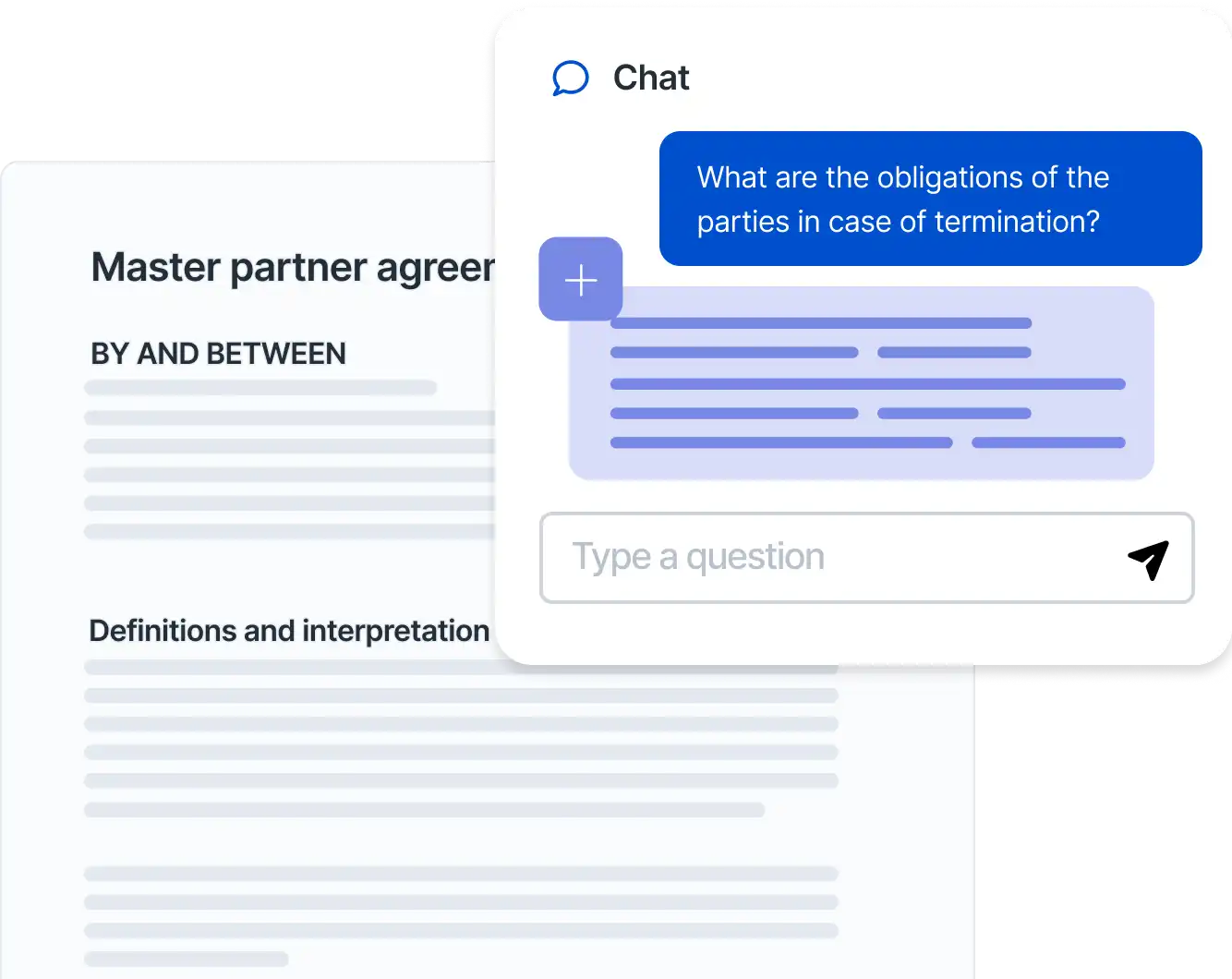
Understanding what a contract actually says – especially across a portfolio of documents – normally takes hours of reading. Ask compresses this into seconds, which is valuable not just for the lawyer doing the review but for the stakeholders who need to understand the risk and outcome.
Technical errors in contracts – a missing definition, a broken cross-reference, an unresolved placeholder – can create real problems at execution or in a dispute. Refine catches these automatically so lawyers can focus on the substance, not the proofreading.
Without a shared knowledge base, legal knowledge lives in individuals' heads and email inboxes. When a senior lawyer leaves, that knowledge walks out the door. When a junior lawyer drafts a contract, they may not know what the firm's preferred position is on a given clause. Knowledge solves both problems, and because the AI draws on your collective expertise, not just generic training data, your legal team can move forward with confidence.
The best AI contract tool is the one your lawyers will actually use. If it requires switching to a new platform or working in a web-based editor, adoption will be an uphill battle. Look for tools that are deeply integrated into Microsoft Word, not just a browser-based alternative.
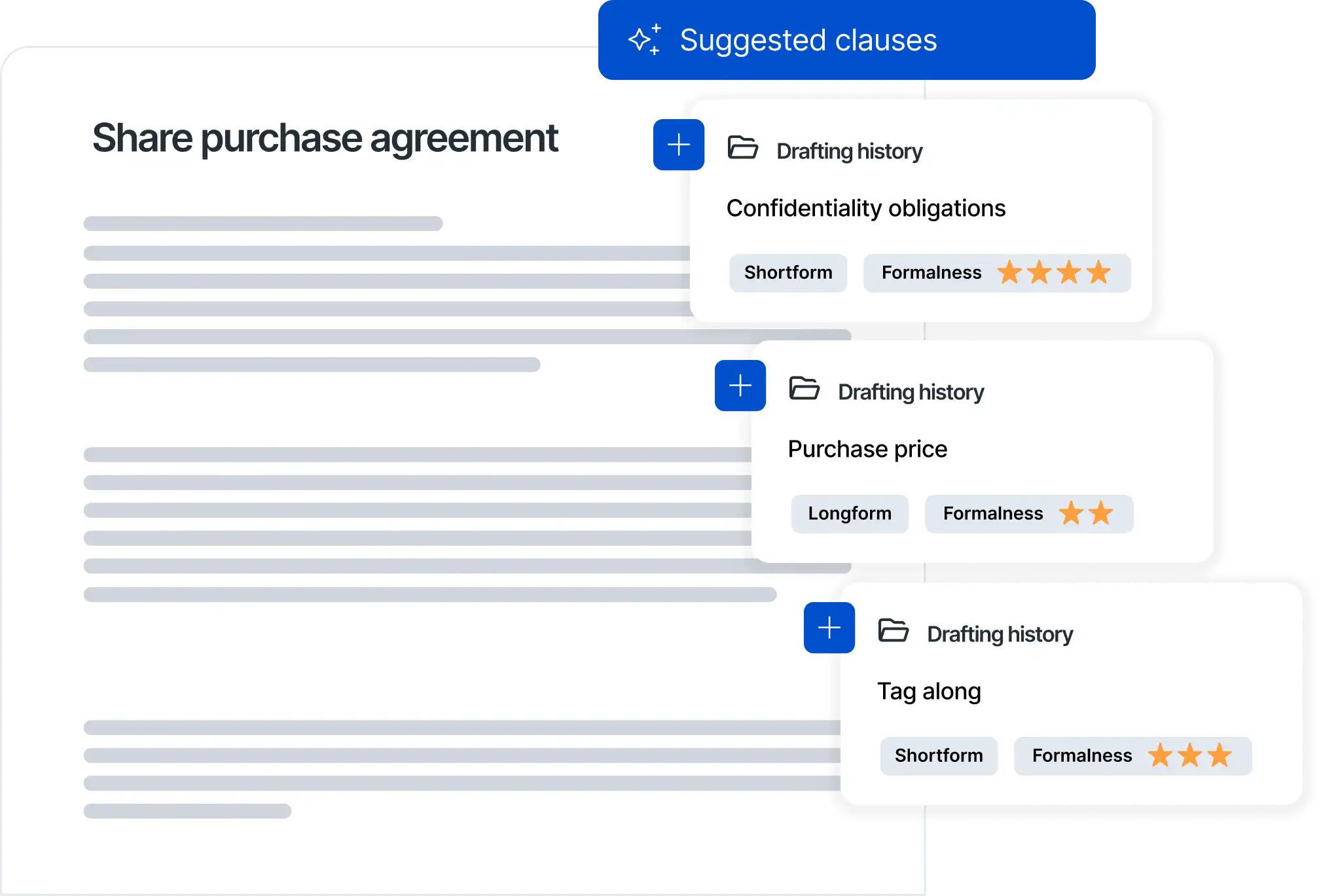
Generic AI can produce plausible-sounding contract language. But plausible isn't the same as right: right for your client, your risk profile, your preferred positions. The most valuable AI contract tools reference your own clause libraries, playbooks, and precedents so that suggestions reflect your expertise, not a generic average.
For teams with established review playbooks and preferred contract positions, the ability to apply those standards automatically is one of the highest-value features of any AI contract tool. Ask vendors how playbooks are built, how they're applied, and how easy it is to update them as your standards evolve.
Your contract knowledge lives somewhere: SharePoint, iManage, a document management system, or other legal platforms. A good AI contract tool should be able to extract material from those sources, so the AI is drawing on your actual knowledge base, not just what's in a local document.
An AI tool that one lawyer uses in isolation is less valuable than one that becomes a shared resource. Look for features that support knowledge sharing: shared clause libraries, collaborative playbook development, templates that can be reused across matters.
The use of artificial intelligence to assist in creating contract documents. This can include generating first drafts from templates, suggesting clause language, rewriting existing clauses, and producing summaries. Effective AI contract drafting tools are typically grounded in an organization's own knowledge base, not just generic AI training data.
The use of AI to assist in contract review and analysis is important. This typically includes redlining (comparing counterparty language against preferred positions), risk identification, playbook enforcement, and quality checks. AI contract review accelerates the review process and helps ensure consistency.
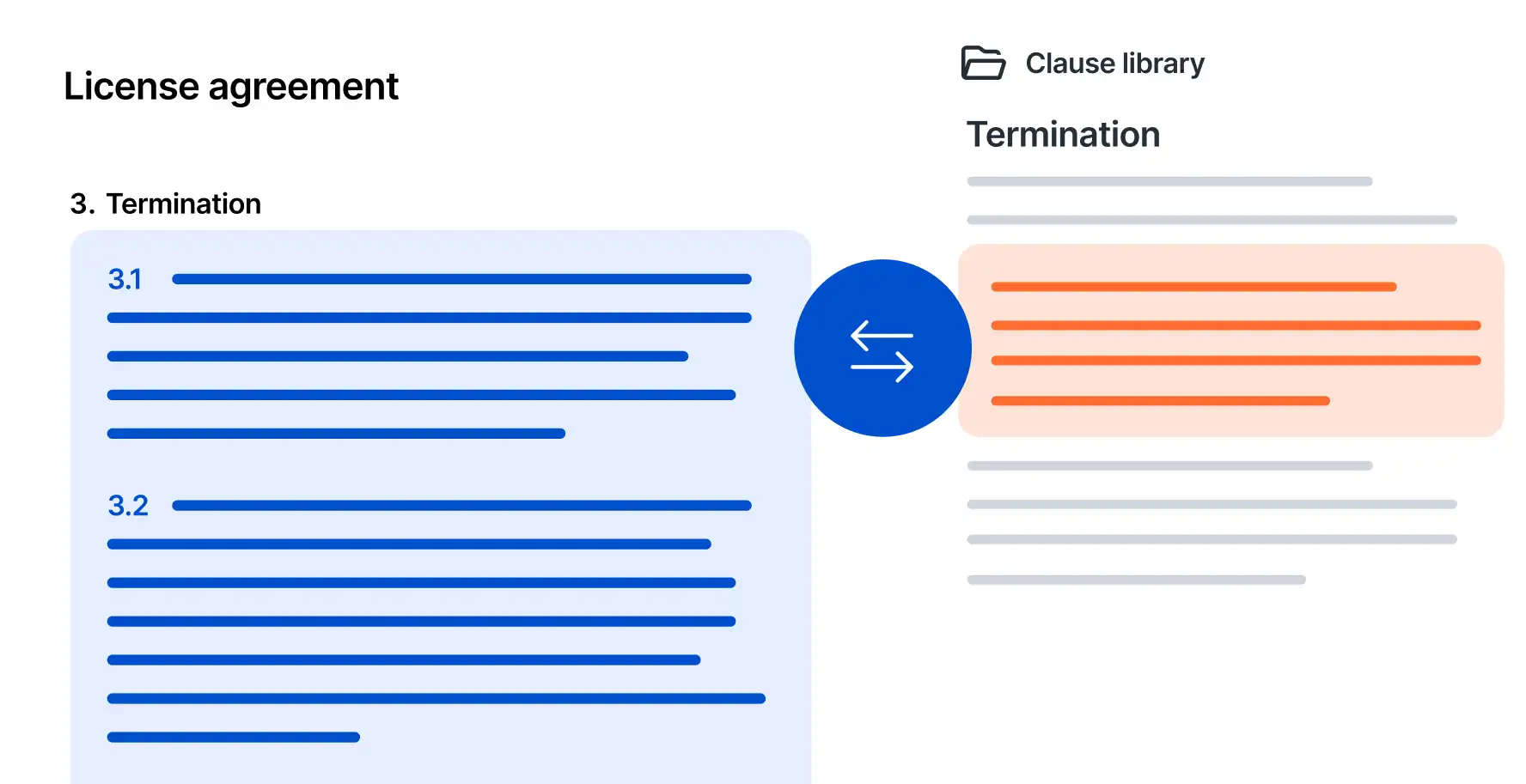
A repository of approved contract clauses that legal teams can draw on when drafting or reviewing agreements. A well-maintained clause library captures a team's preferred language, negotiated positions, and fallback options, and becomes more valuable over time as it's updated with the outcome of negotiations.
A document or set of rules that defines a legal team's preferred positions on key contract issues: which clauses are acceptable, which require escalation, and what language to use in common scenarios. Playbooks are typically built by senior lawyers based on experience and risk tolerance, and they're used to ensure consistency across reviews.
A feature that compares two versions of a contract and highlights every difference between them. This is useful for tracking changes between negotiation rounds, comparing a client's draft against a standard template, or reviewing a counterparty's redline.
The accumulated expertise, preferred positions, and hard-won experience that legal teams and firms build over years of work. In the context of AI contract tools, institutional knowledge refers to the clause of libraries, playbooks, templates, and precedents that organizations and law firms have developed, and that the AI can draw on to produce better, more relevant suggestions.
A centralized store of legal knowledge: clauses, templates, playbooks, and precedents. In LawVu Draft, the knowledge base can extract from existing systems like SharePoint, iManage and LawVu’s in-house legal workspace, so the AI draws on your actual organizational knowledge rather than only what's stored locally.
An AI capability that preserves the formatting and structure of a document when generating or inserting content. Layout-aware AI is important in contract work because legal documents often have complex formatting – tables, defined terms, numbered clauses – that need to be maintained even when content is added or rewritten.
A workflow that allows non-lawyers – business stakeholders, clients, or colleagues – to create simple agreements through a guided questionnaire or template without involving a lawyer directly. Legal teams set the guardrails; the business fills in the details. Self-service contract creation reduces legal workload on routine agreements while maintaining quality and consistency.
A contract template that includes dynamic placeholders, conditional logic, and structured formatting, so that filling in a few key details automatically generates a complete, correctly structured document. Smart templates reduce drafting time and ensure consistency across documents.
The process of marking up a contract with proposed changes, additions, deletions, and comments. Redlining is central to contract negotiation, making proposed changes visible and traceable. AI-powered redlining automates the initial markup by comparing counterparty language against a clause library or playbook.
LawVu Draft sits directly inside Microsoft Word and connects to your existing knowledge databases, or your existing document management system. You can import your own playbooks using AI, adapt LawVu's base templates to fit your needs, and then apply those playbooks when reviewing third-party contracts.
When you run a review, LawVu Draft adds comments, inserts compliant clauses, and rewrites non-compliant language, all while preserving the formatting of the original document. Once your clause library and playbooks are set up, redlining a counterparty's agreement looks like this:
Yes. Information security is at the center of everything we do, and we have industry-leading security, compliance and privacy standards. We are GDPR and CCPA compliant, and certified against ISO27001, SOC1 and SOC2. Your data stays in your region and is never used for AI training. Explore the LawVu Trust Center to learn more.
Yes. LawVu Draft lets you compare two documents – Word or PDF – side by side, see every change clearly, and export or insert updates directly in Word. You can also run bulk comparisons across multiple documents to review variations in a single integrated view.
Most AI contract tools use foundation models – large language models trained on public data – to generate contract language. LawVu Draft does this too, but it combines AI capabilities with your own institutional knowledge: your clause library, your playbooks, your preferred templates, and your precedents.
The result is AI suggestions that reflect your standards, not a generic average. Combined with deep Microsoft Word integration (no context-switching required) – a full set of tools covering drafting, review, knowledge management, and document QA, and the ability to enable self-service contract creation – LawVu Draft is designed as a complete contract toolbox rather than a single-feature point solution.
In LawVu Draft, contract drafting is the process of creating clear, legally enforceable agreements that protect the organization and allow the business to execute effectively. Legal teams draft and review a wide range of contracts: NDAs, MSAs, SaaS agreements, supplier contracts, sales agreements, employment contracts, and more, spending most of their time managing risk, ensuring agreements reflect preferred positions, and maintaining consistency across deals and terms.
Contract review is the process of checking a counterparty's proposed agreement to ensure it aligns with your organization's legal policies, to manage risk, ensure compliance, and protect your interests. It is a critical step before a contract is signed and becomes legally binding.
Redlining is the markup process within contract review: lawyers mark up the document with edits, additions, deletions, and comments so that proposed changes are visible and can be agreed by all parties. In LawVu Draft, AI automates the initial redline by comparing counterparty language against your clause library and playbooks.
Yes. LawVu Draft can extract material from existing knowledge databases including SharePoint, iManage, and LawVu’s in-house legal workspace. This means your AI-powered drafting and review draws on the knowledge base you've already built, not just what's stored in a standalone tool.
LawVu Draft is built with layout awareness, which means it preserves the formatting and structure of your documents when generating or inserting content. Whether you're inserting a clause, generating a response to a question, or rewriting a section, the formatting stays intact. This is particularly important for complex legal documents with tables, numbered clauses, and defined terms.